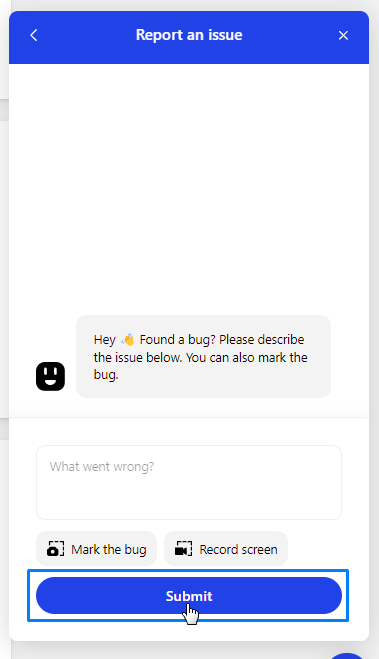
If you are facing any issues in Agentcis, Then you can report the issue directly to our team member via chat support.
Follow the steps to report an issue:
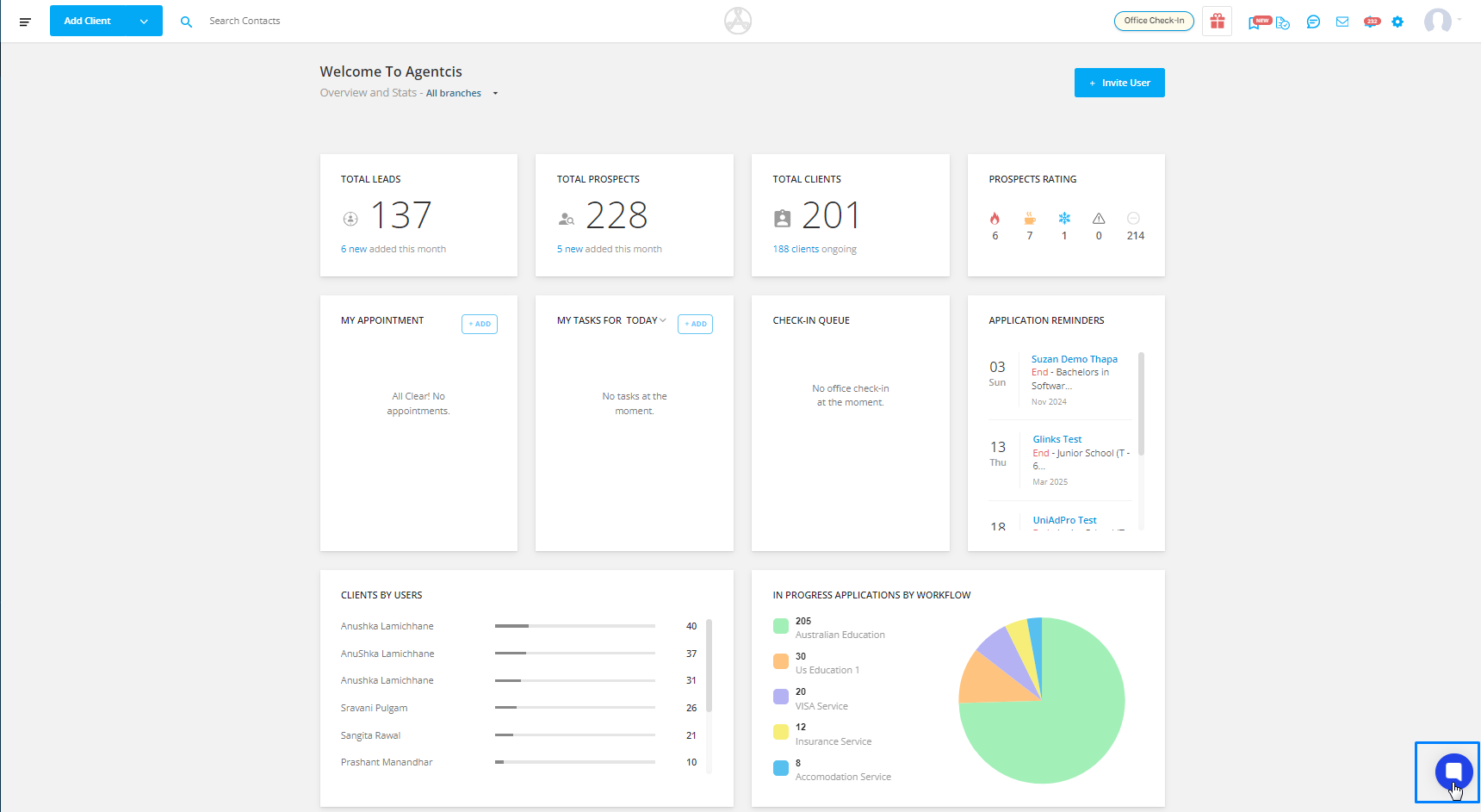
Step 1: Click on the chat support icon at the bottom of the dashboard.
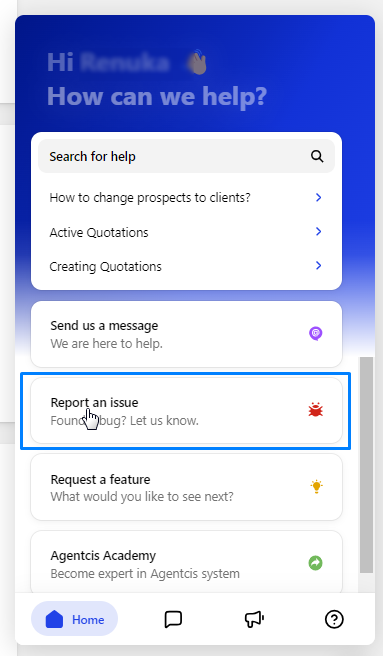
Step 2: Select the option "Report an issue" from the menu.
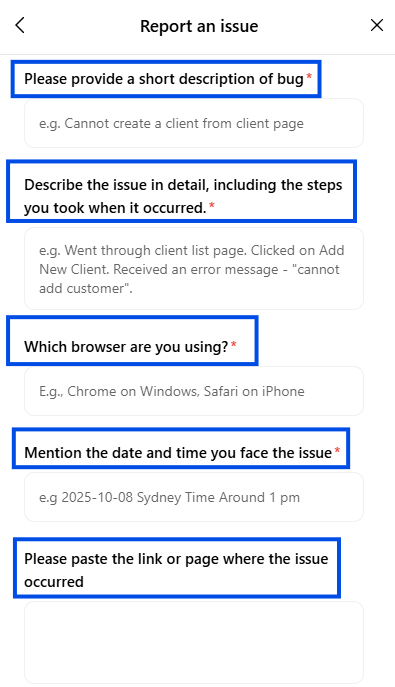
Step 3: Provide a detailed description of the problem you're encountering including short description of bug, issue in detail, Browser name, date and time, and the URL of the page.
Step 4: Indicate the specific issue by marking or recording it .

Step 5: Once you've finished, click on the "Submit" button to send your report.