Email campaign analytics help you understand how your campaigns have performed and measure their overall effectiveness. By reviewing these insights, you can identify what worked well, where improvements are needed, and how to optimize future campaigns.
Analytics provide a quick overview of key metrics such as the number of recipients, open rate, click rate, delivery rate, and bounce rates (both hard and soft). You can also filter the campaign list by status of the campaigns.
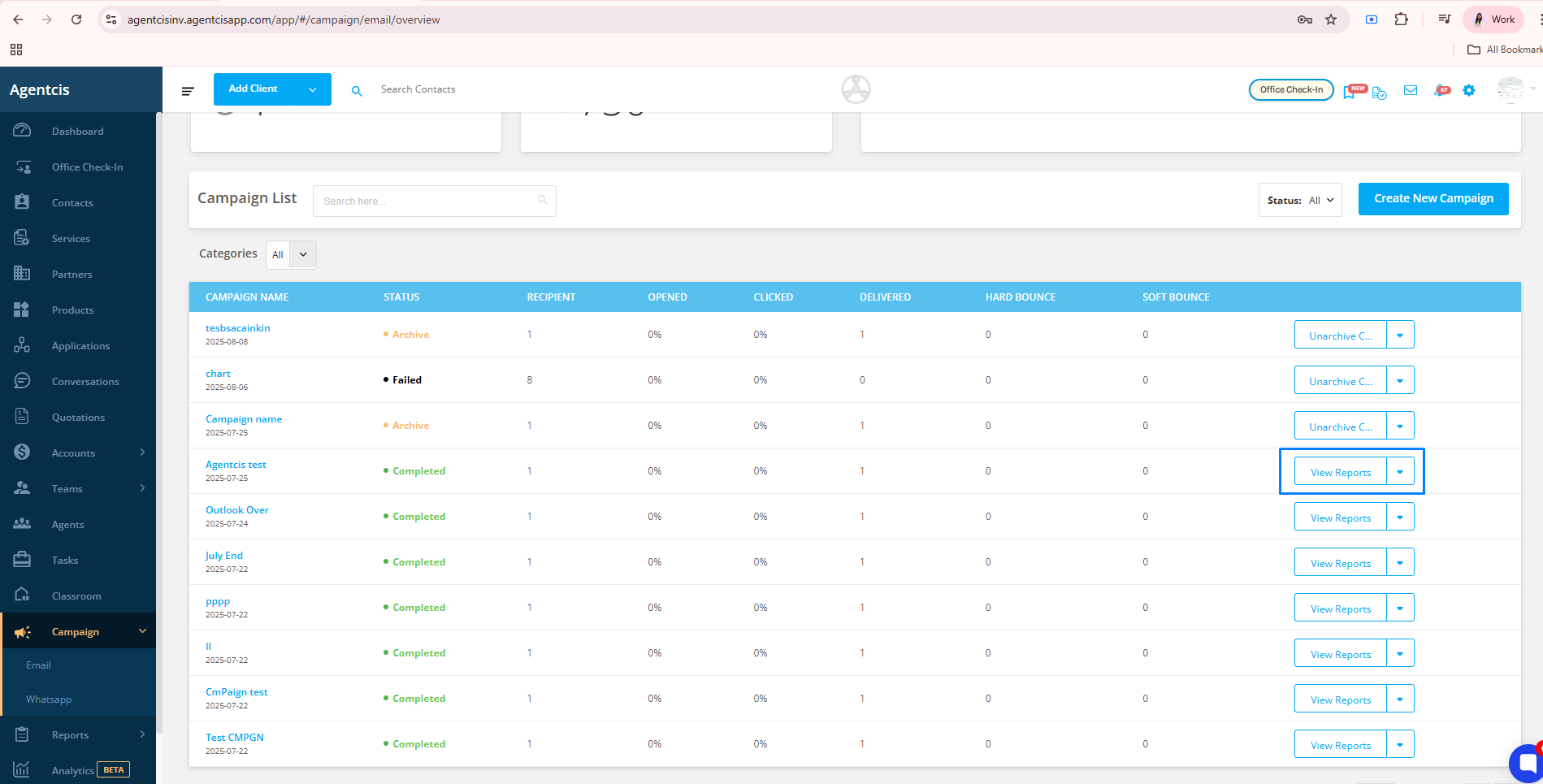
Furthermore, You can view the in-depth Analytics by clicking the view reports button on the right side of the campaign list.
Viewing Analytics
From the Campaign List, click the View Reports button on the right side of a campaign to access detailed analytics.
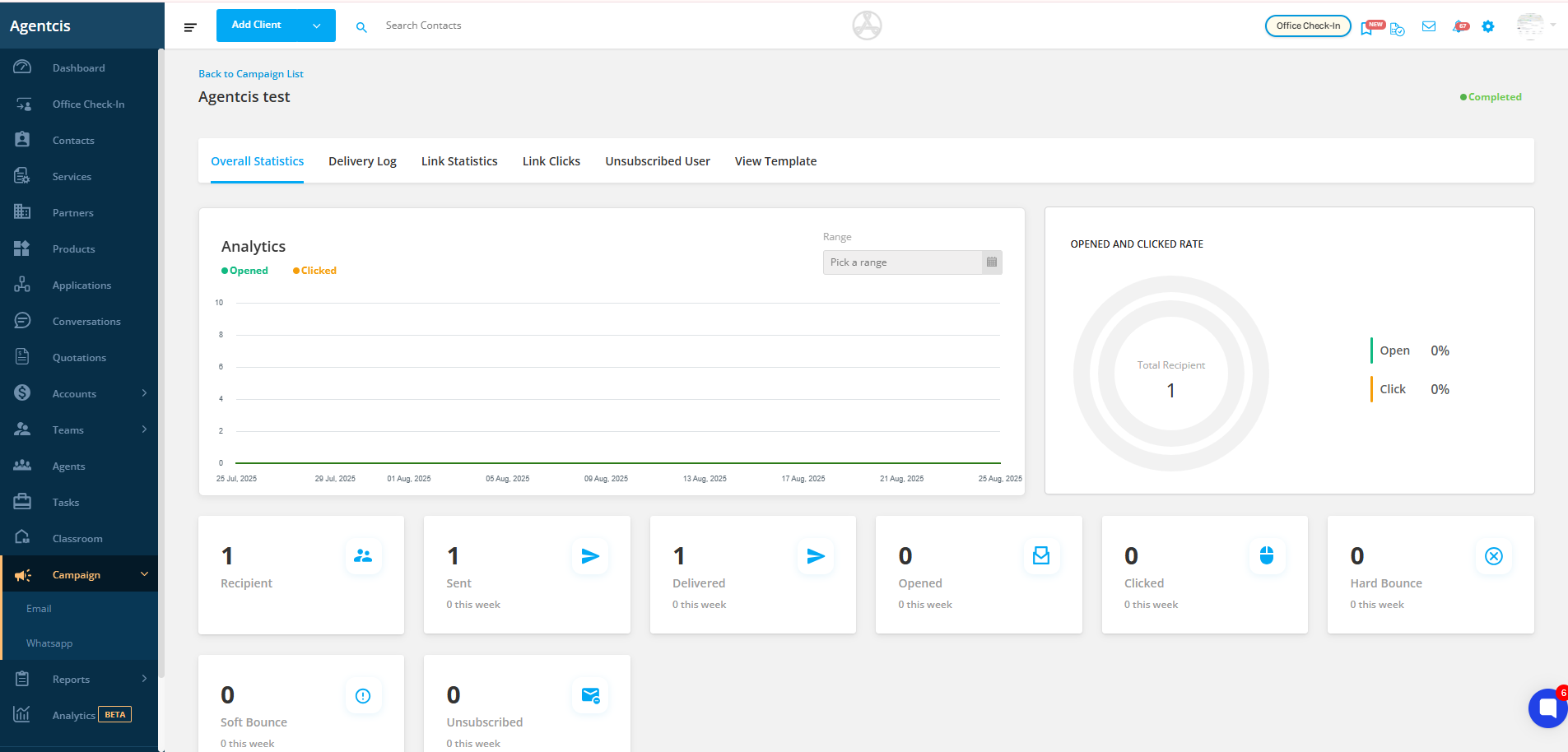
Overall Statistics
Get a snapshot of all metrics for the selected email campaign.
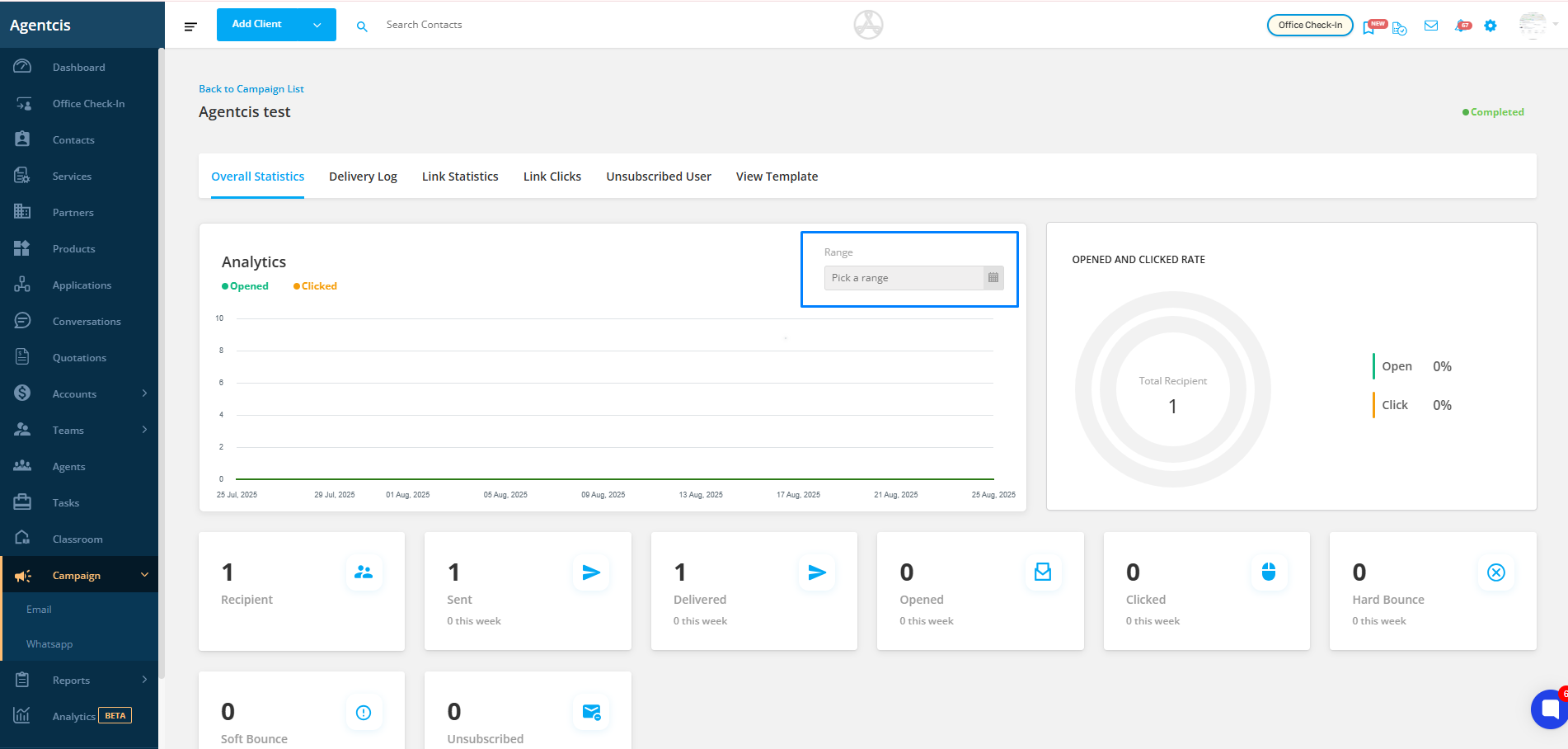
You can also filter the statistics by selecting a specific date range to focus on a particular period.
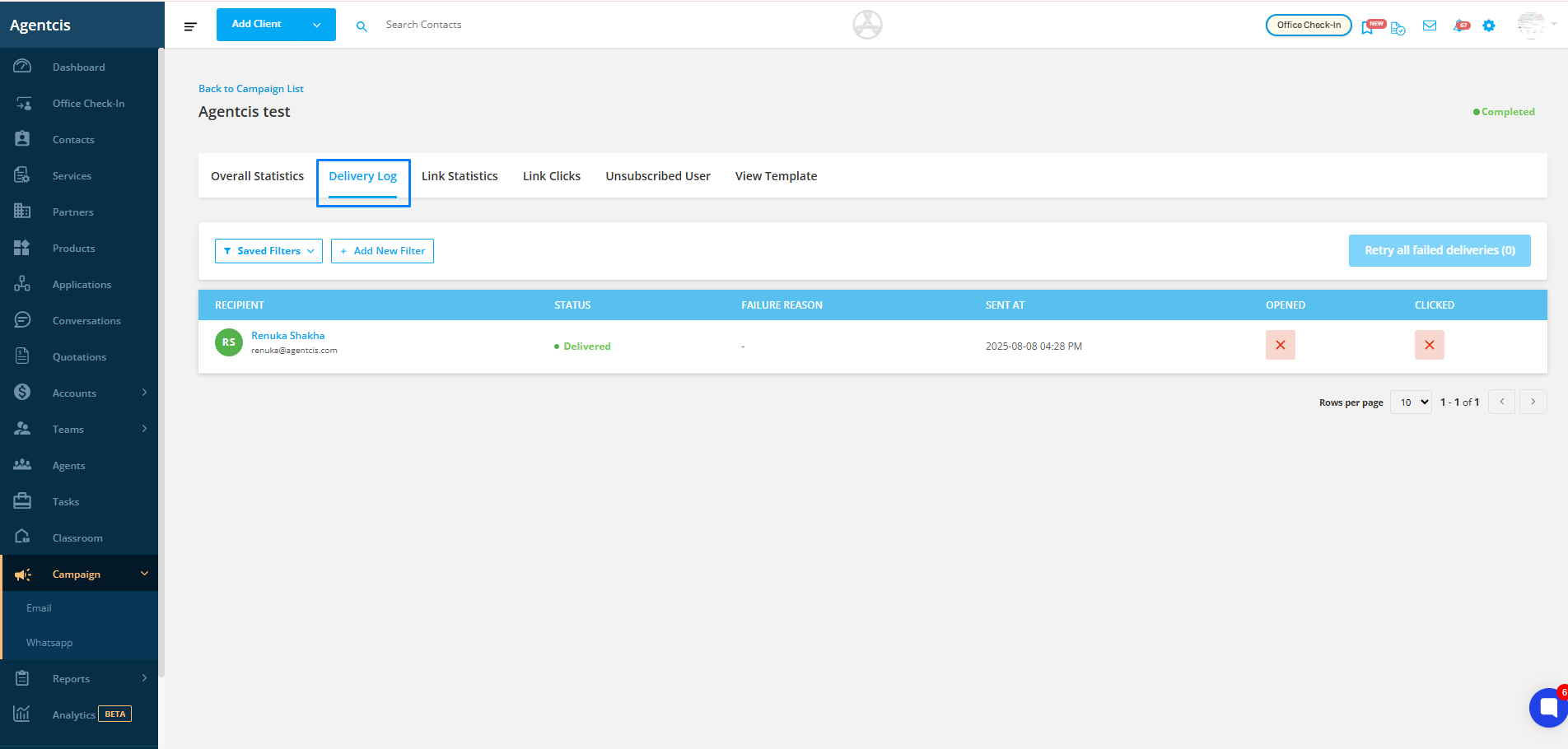
Review the delivery log of your email campaign under the Delivery Log tab.
See which emails were delivered successfully and which failed.
Retry all failed deliveries directly from this section.

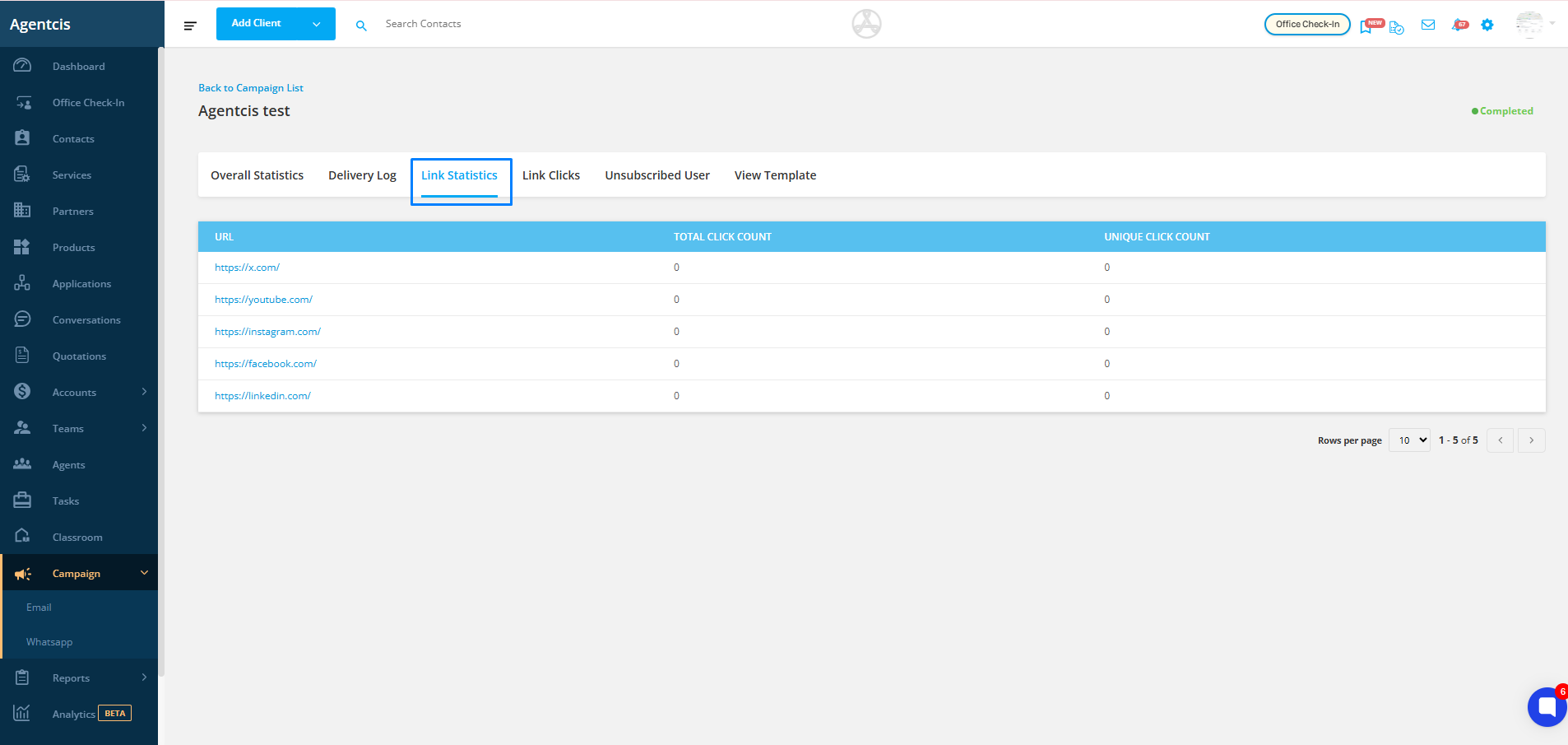
If your campaign includes links, this section shows:
The total number of clicks
The number of unique clicks
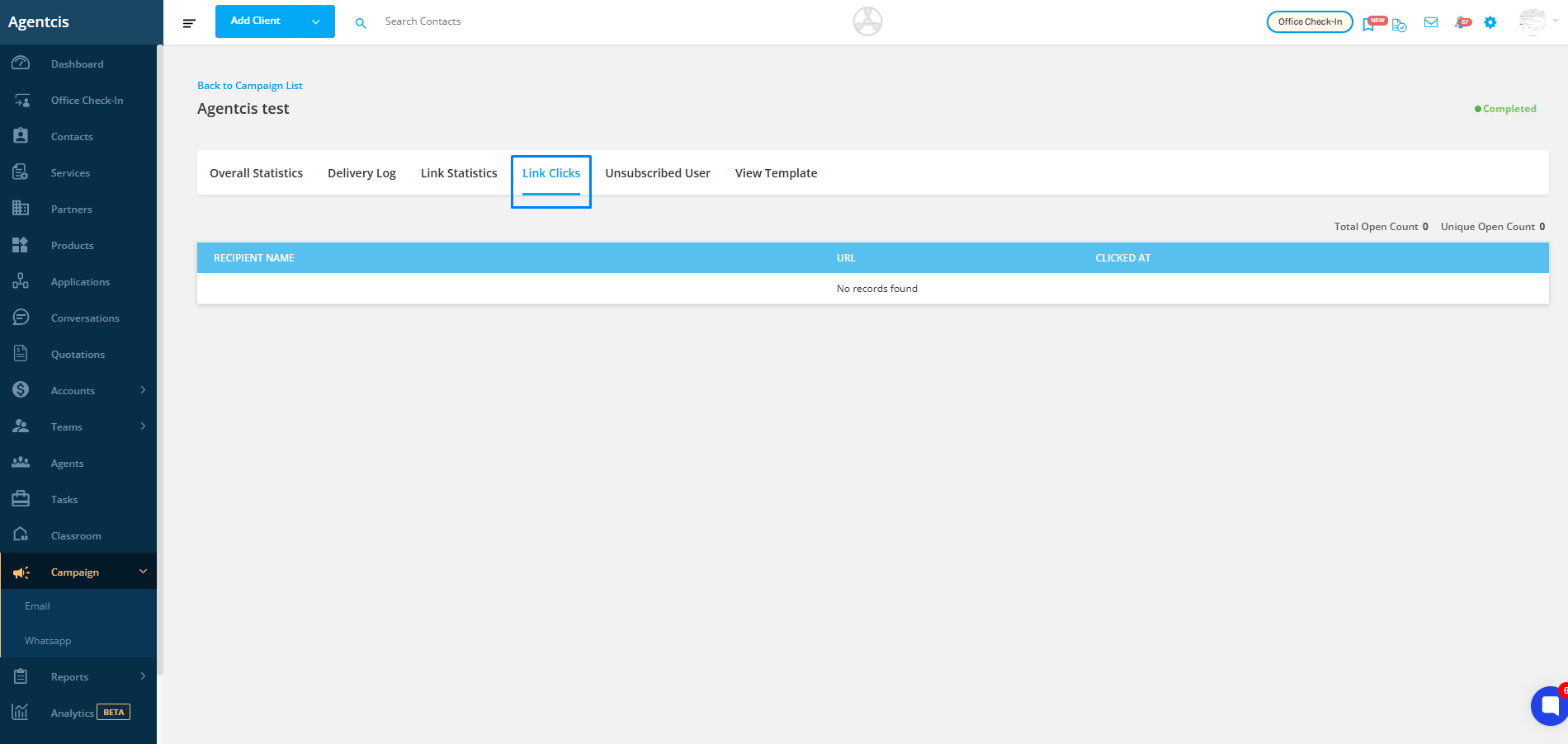
View the list of individual recipients who clicked on links within your campaign, helping you identify highly engaged contacts.
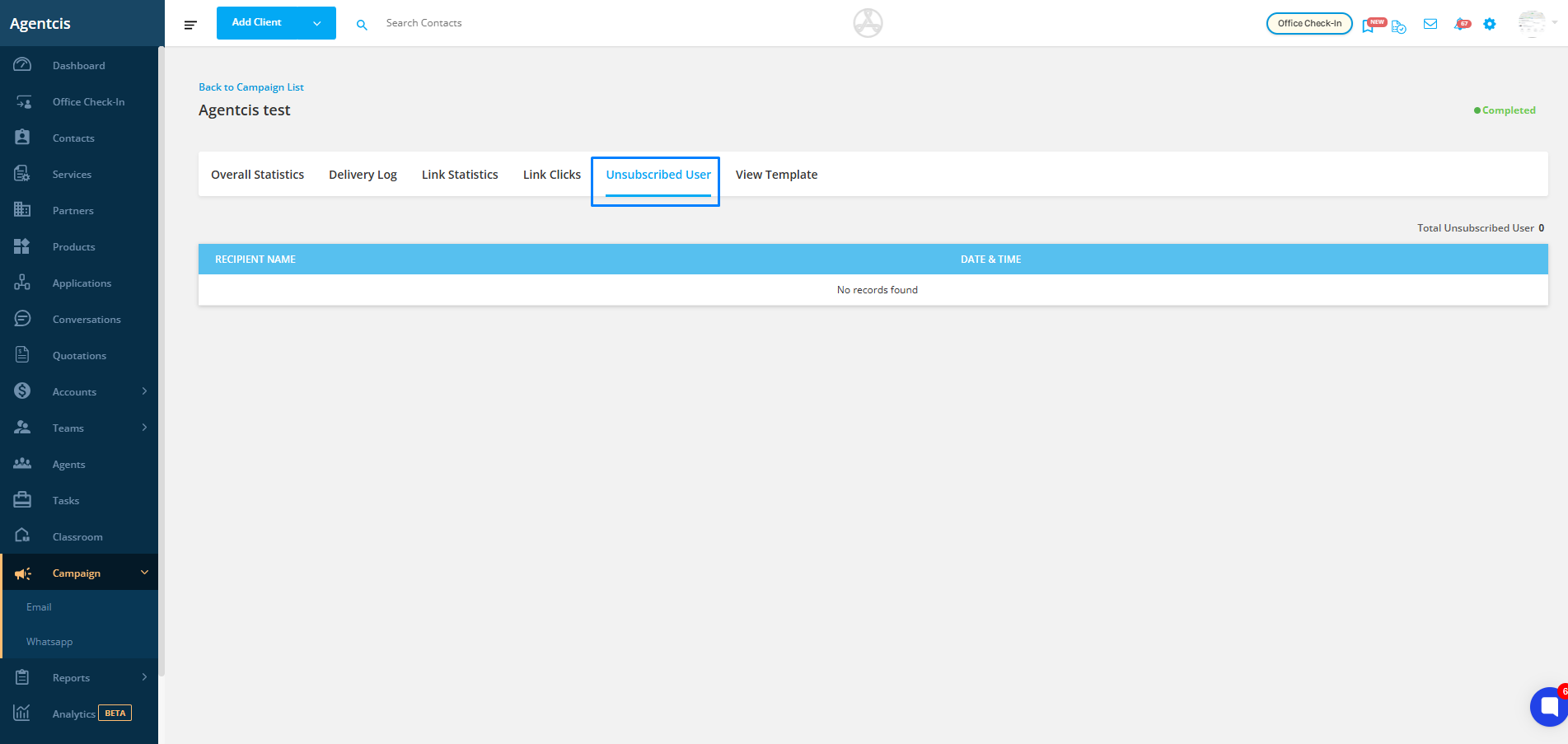
See the list of recipients who have unsubscribed from your emails, allowing you to maintain a clean and compliant contact list.
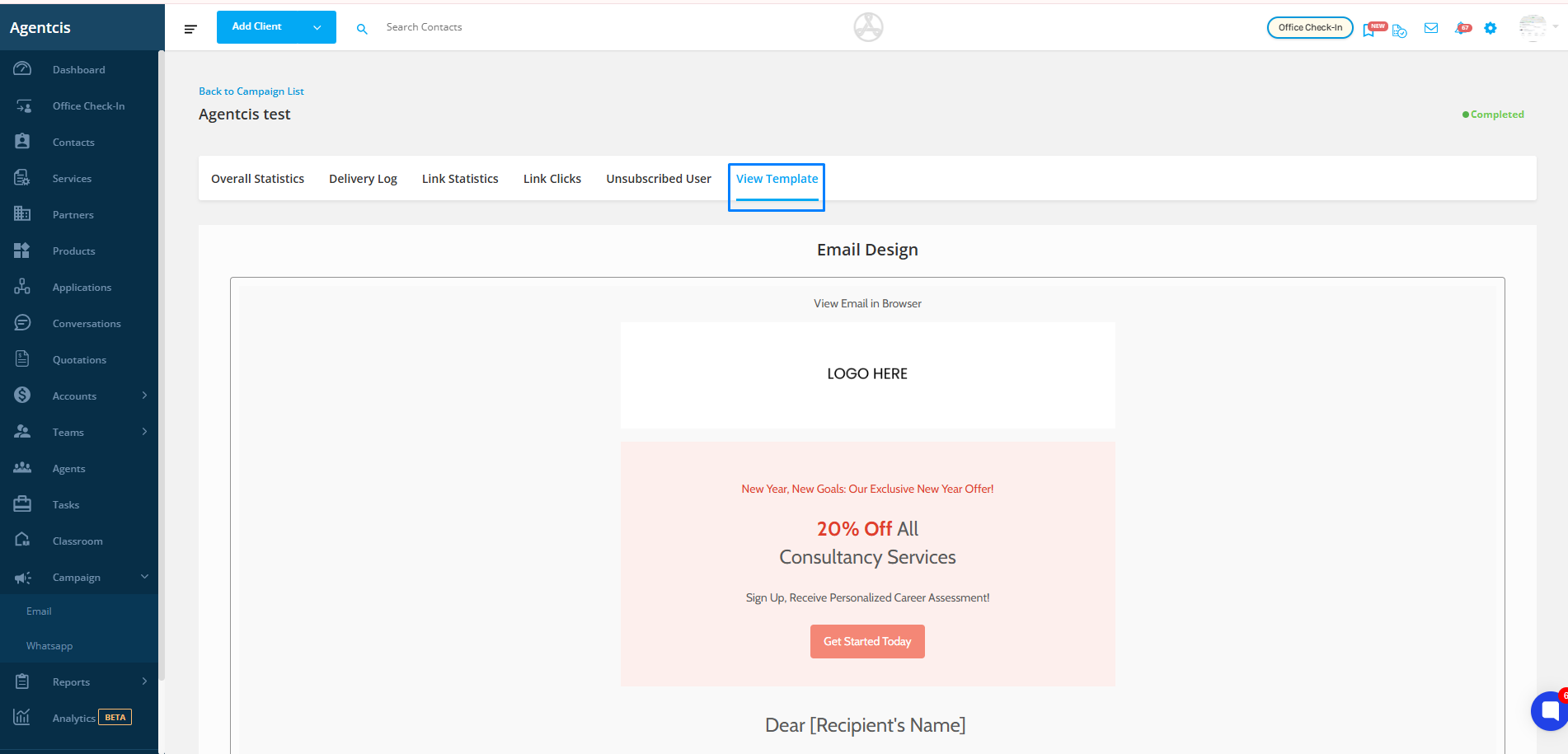
View Template
You can review the exact content sent in the campaign by clicking on the View Template section. This helps you confirm the design, layout, and messaging used in the email for reference or improvements in future campaigns.