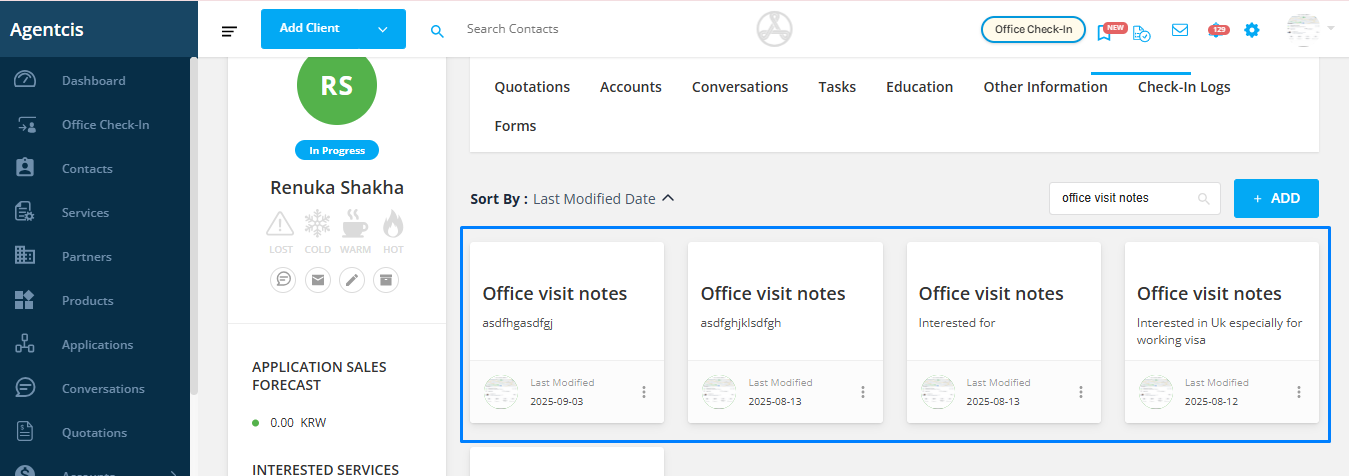
In Agentcis, notes can be searched by their title name. This feature allows you to instantly locate specific notes without scrolling through long lists, saving you time and ensuring you don’t miss important information.
How to Search Notes by Title
Step 1: Access the Contact Profile
Navigate to the contact profile where your notes are stored.
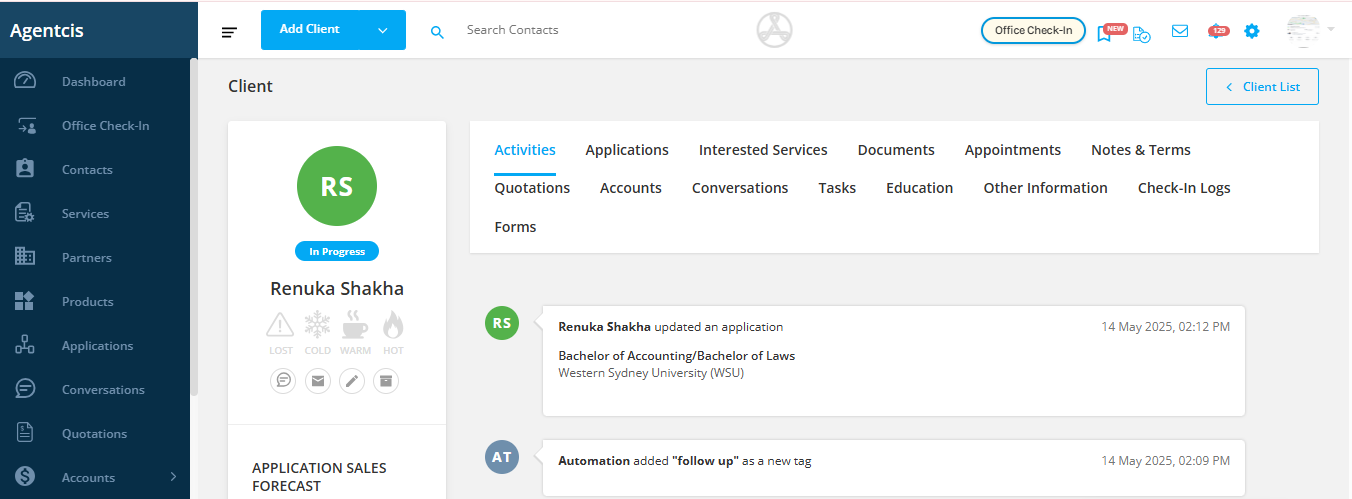
Step 2: Go to the Notes & Terms Tab
Click on the “Notes & Terms” tab to view all notes related to that contact.
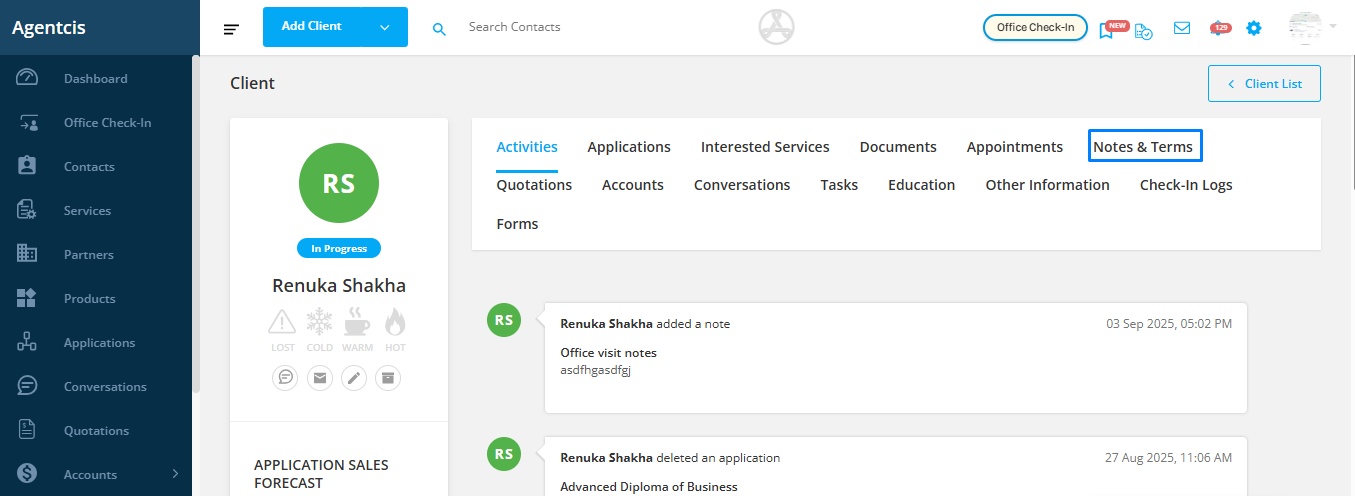
Step 3: Use the Search Box
Enter the note’s title or a keyword from the title into the search field.
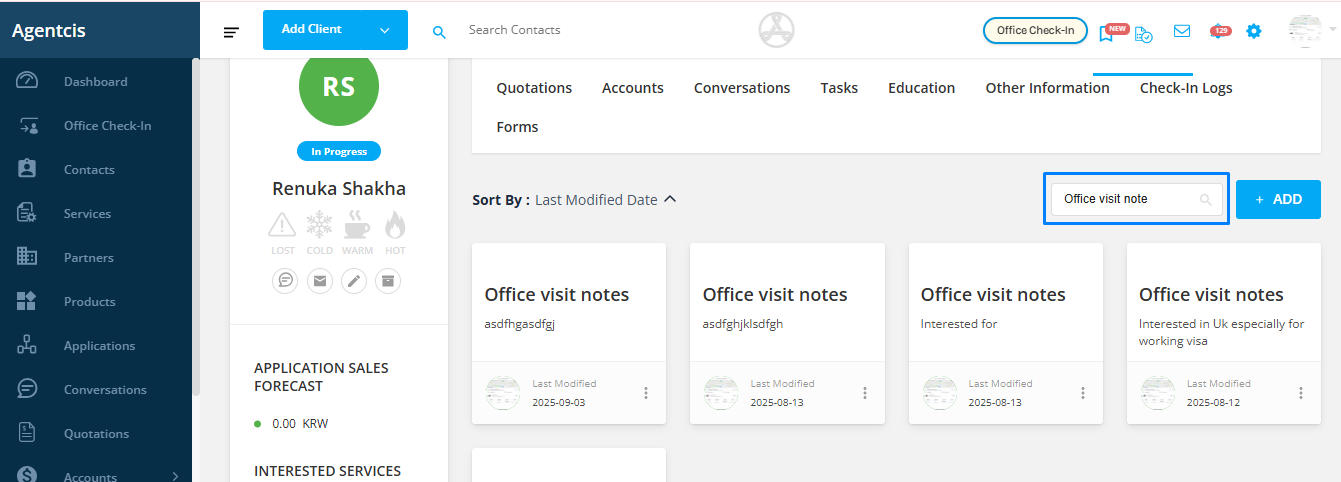
Step 4: View the Results
Only the notes matching your search term will appear, making it easy to find the exact note you need.