Branding Customization
You can customize the portal logo and color scheme to align with your organization's branding. This creates a consistent brand identity and provides agents with a professional, familiar interface. Customization also enhances the user experience by visually connecting the portal to your company's brand.
To customize branding:
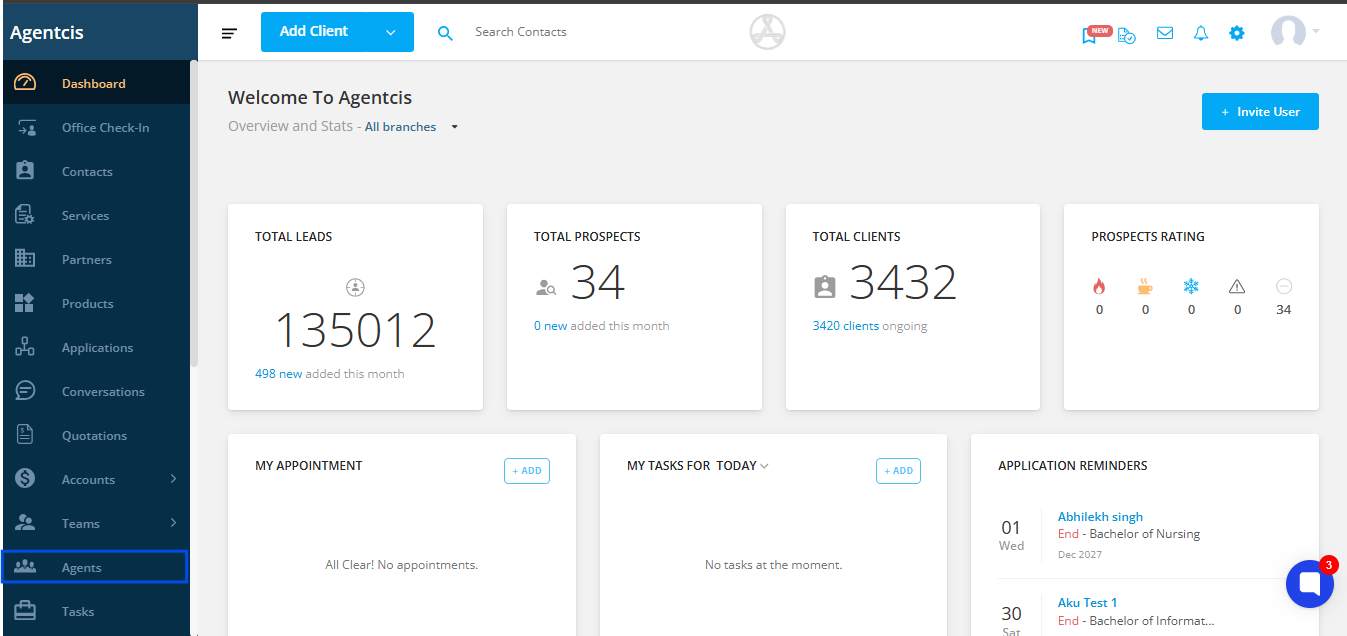
Step 1: Navigate to Agent from the side navigation bar.
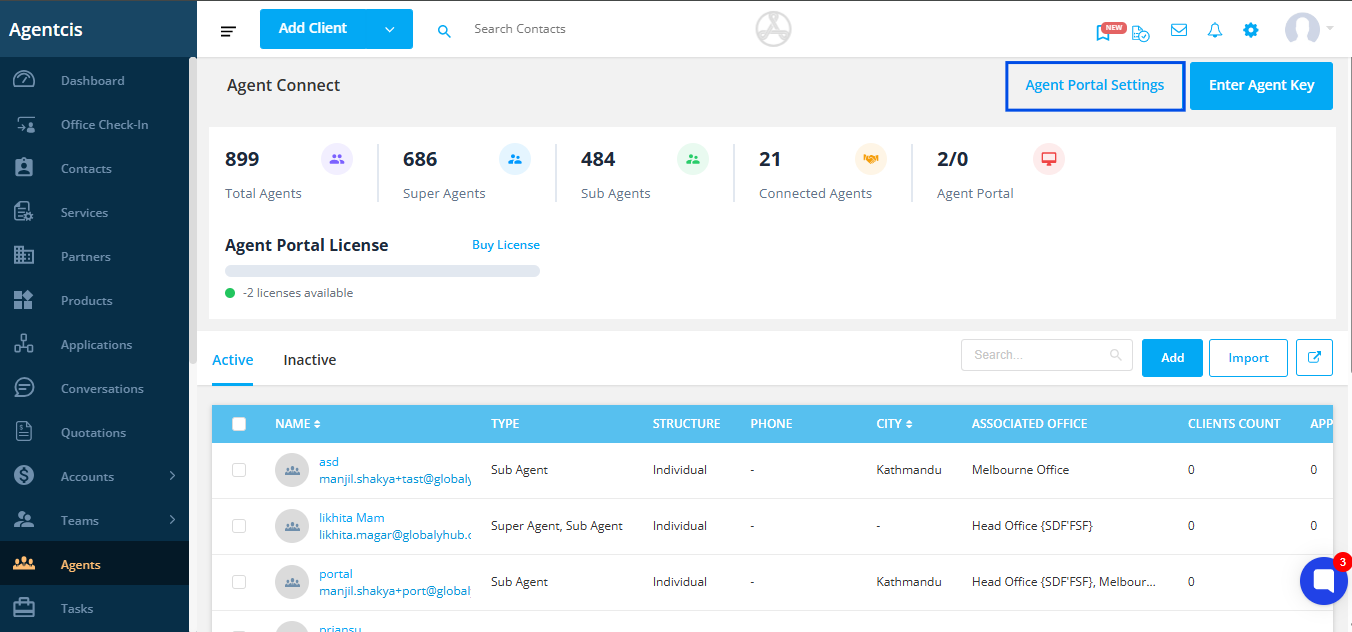
Step 2: Click on Agent Portal Settings located at the top right corner.
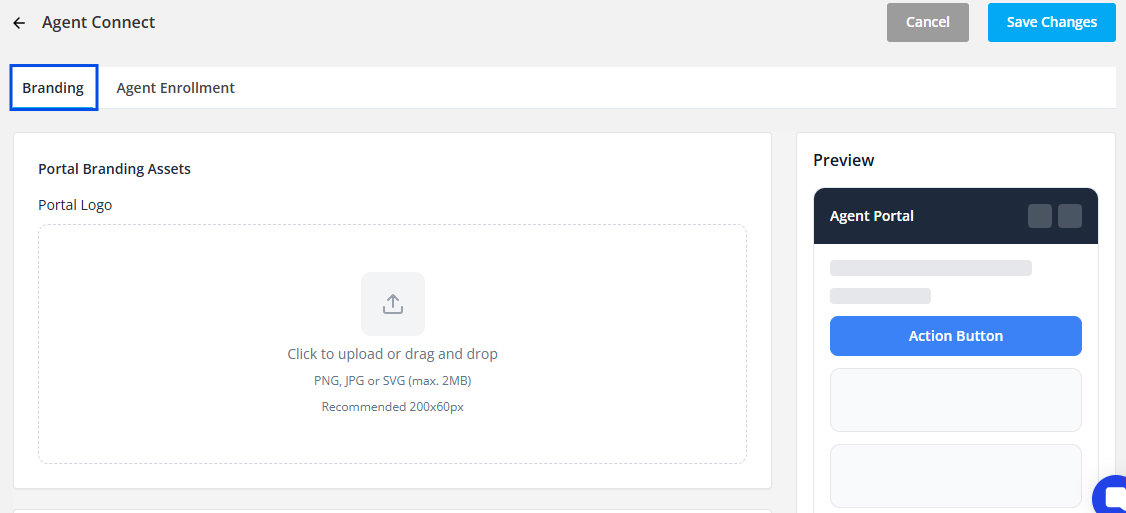
Step 3: Select the Branding tab.
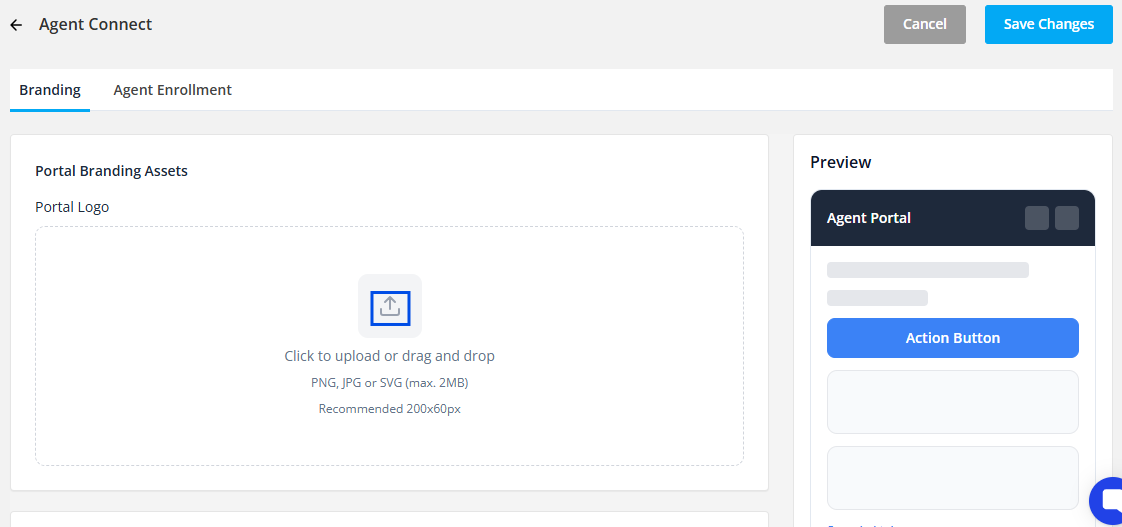
Step 4: Upload your portal logo by clicking the upload arrow or dragging and dropping the logo file.
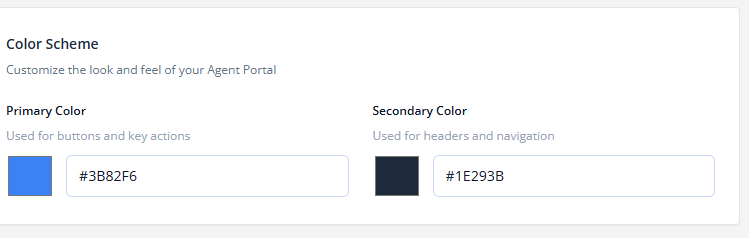
Step 5: Set primary and secondary colors by clicking on the color boxes and selecting your preferred colors.
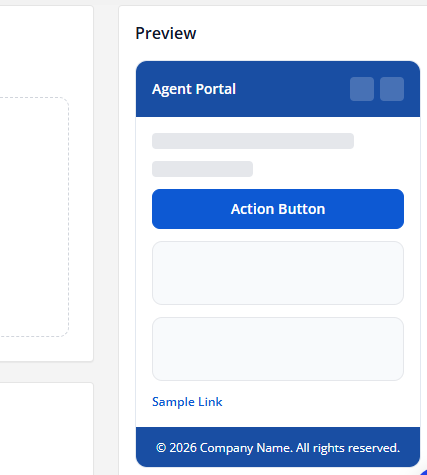
A preview of your branding configuration appears on the right side, allowing you to see how the portal will appear to agents before finalizing your changes.