
If a contact is no longer interested or the opportunity cannot be pursued further, you can mark the contact as Lost in the system. Follow the steps below to update the contact rating.
Steps to Change a Contact Rating to Lost
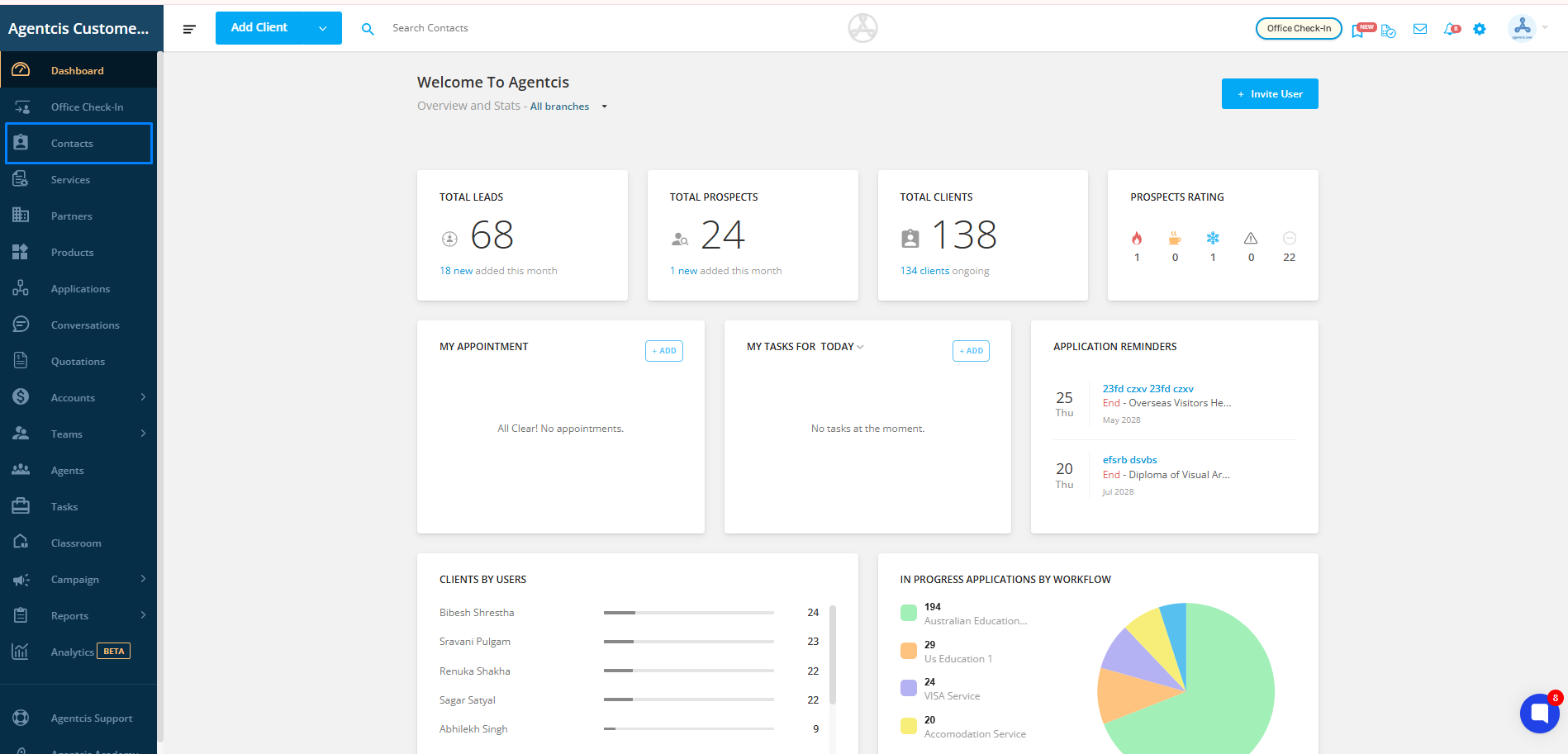
Step 1: From the side navigation bar, click on Contacts.
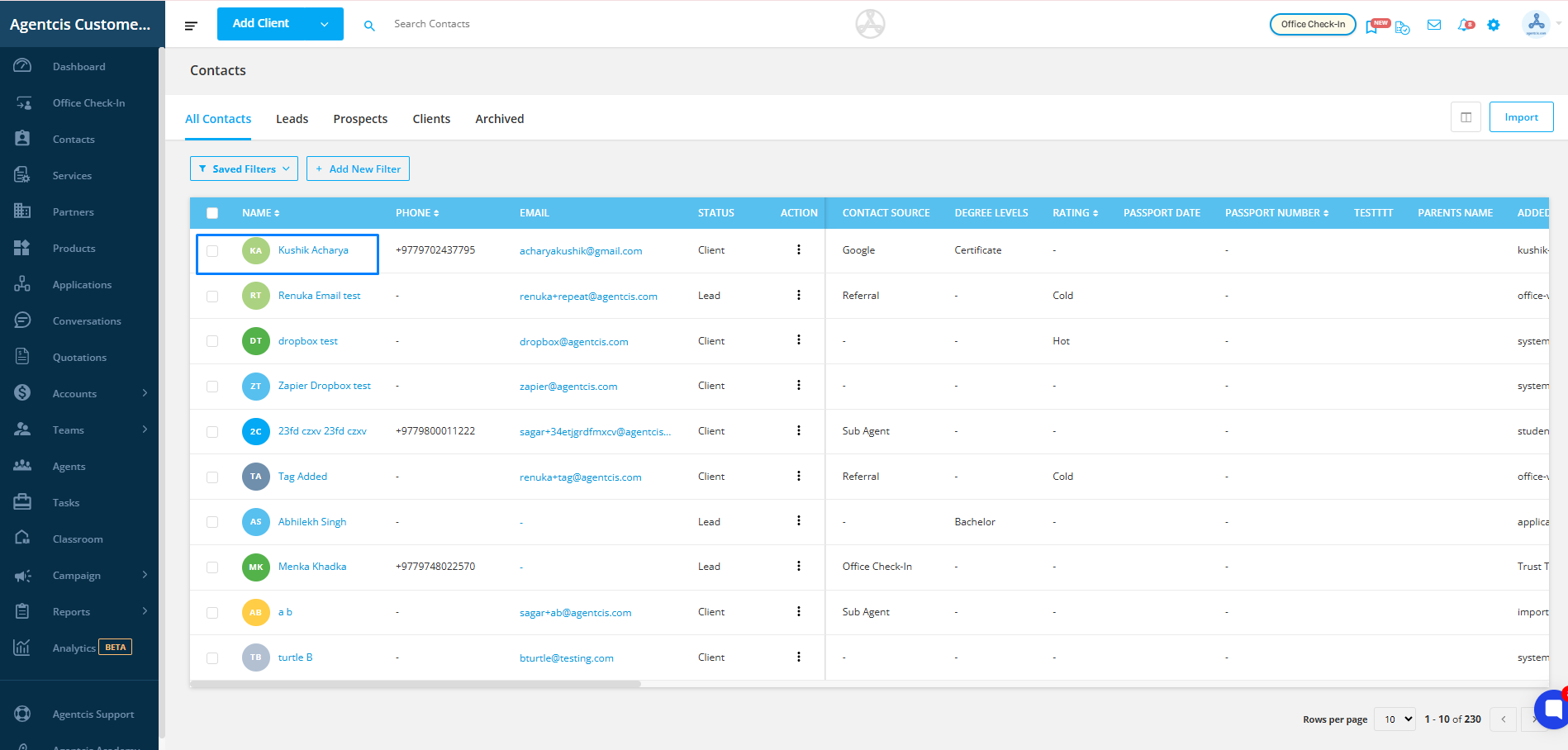
Step 2: Open the profile of the contact you want to update.
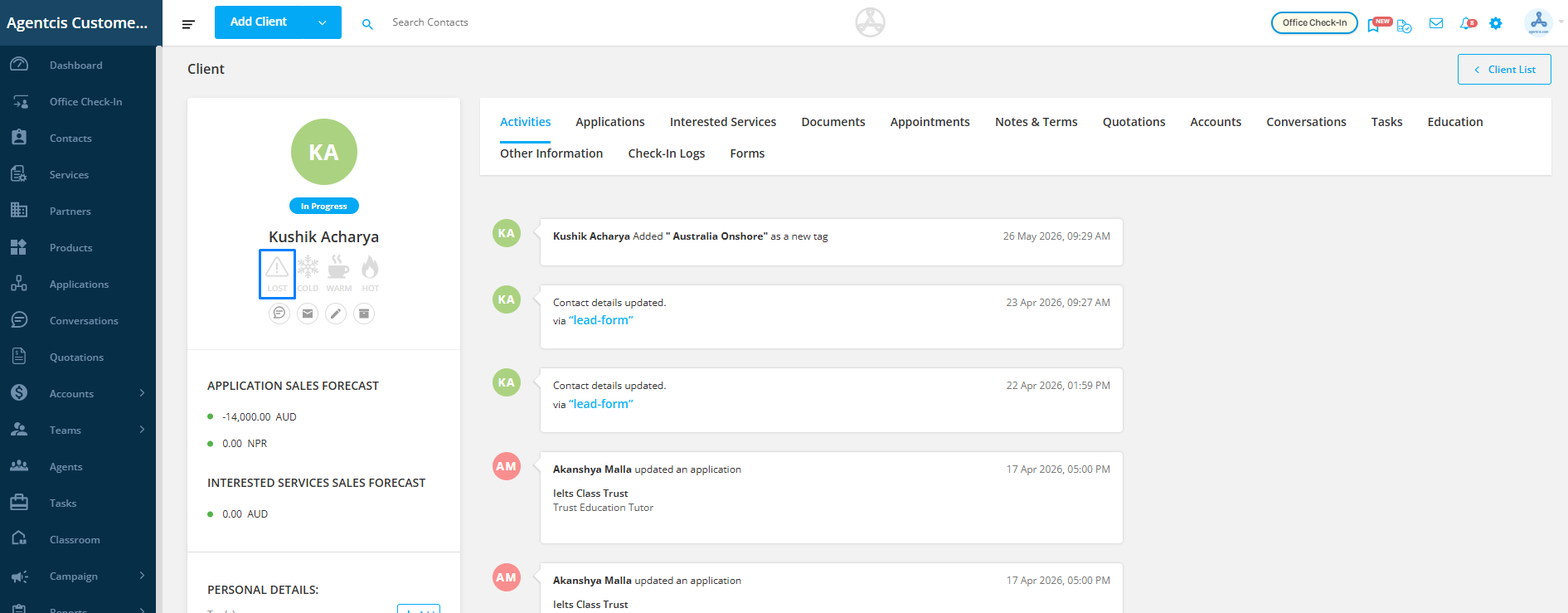
Step 3: Click on the Lost icon available in the contact profile.
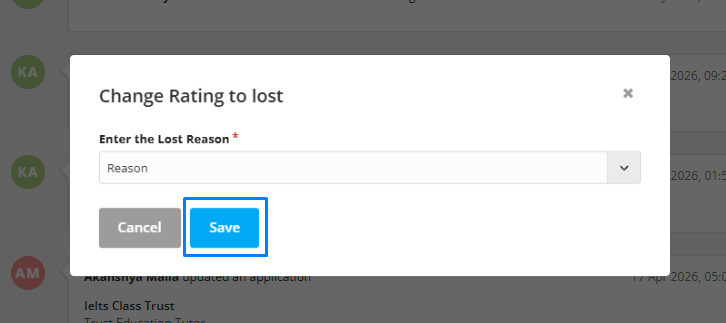
Step 4: Select the appropriate reason from the dropdown for marking the contact as lost.
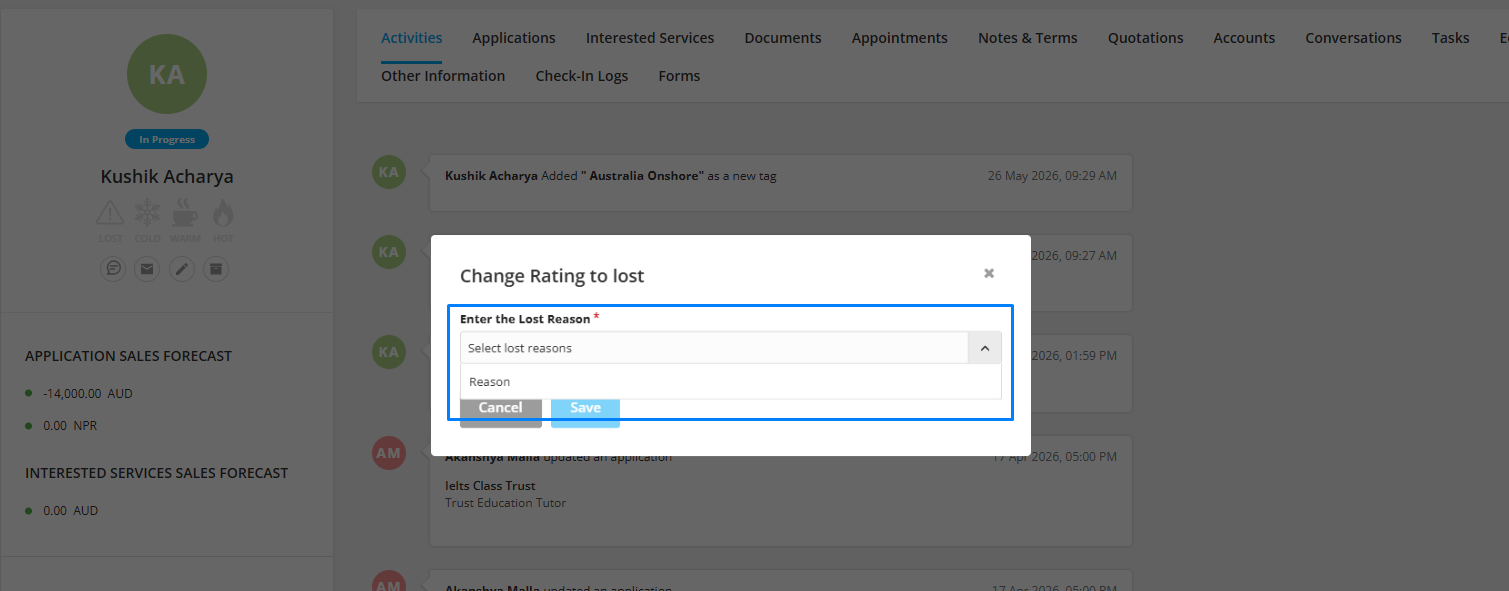
Step 5: Click on Save to update the contact status.
Updating the contact status helps maintain accurate records and improves tracking and reporting within the system.