
You can add new lost reasons to the dropdown list so users can select the appropriate reason while marking contacts as lost.
Steps to Add a New Lost Reason
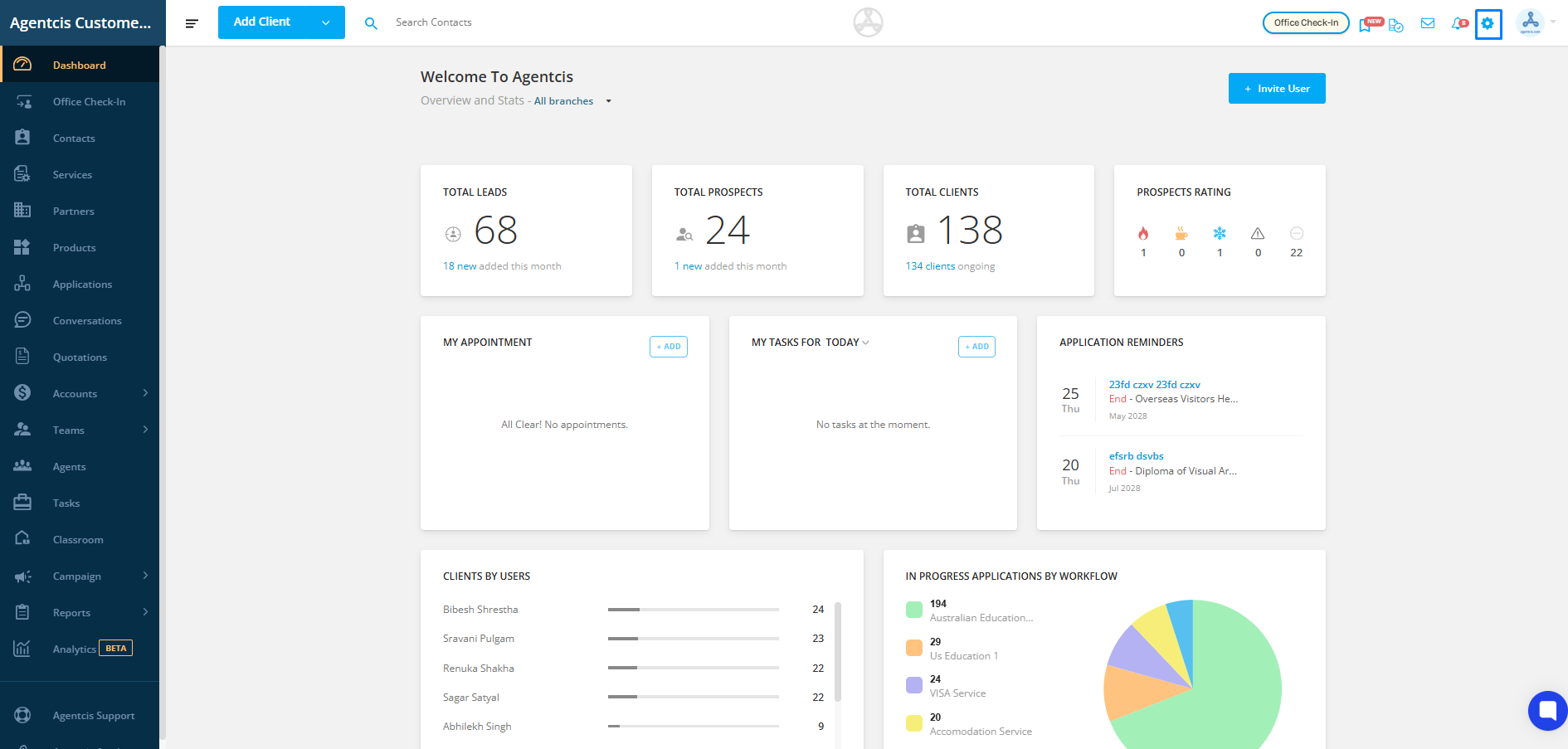
Step 1: From the Top Info Bar, click on Settings.
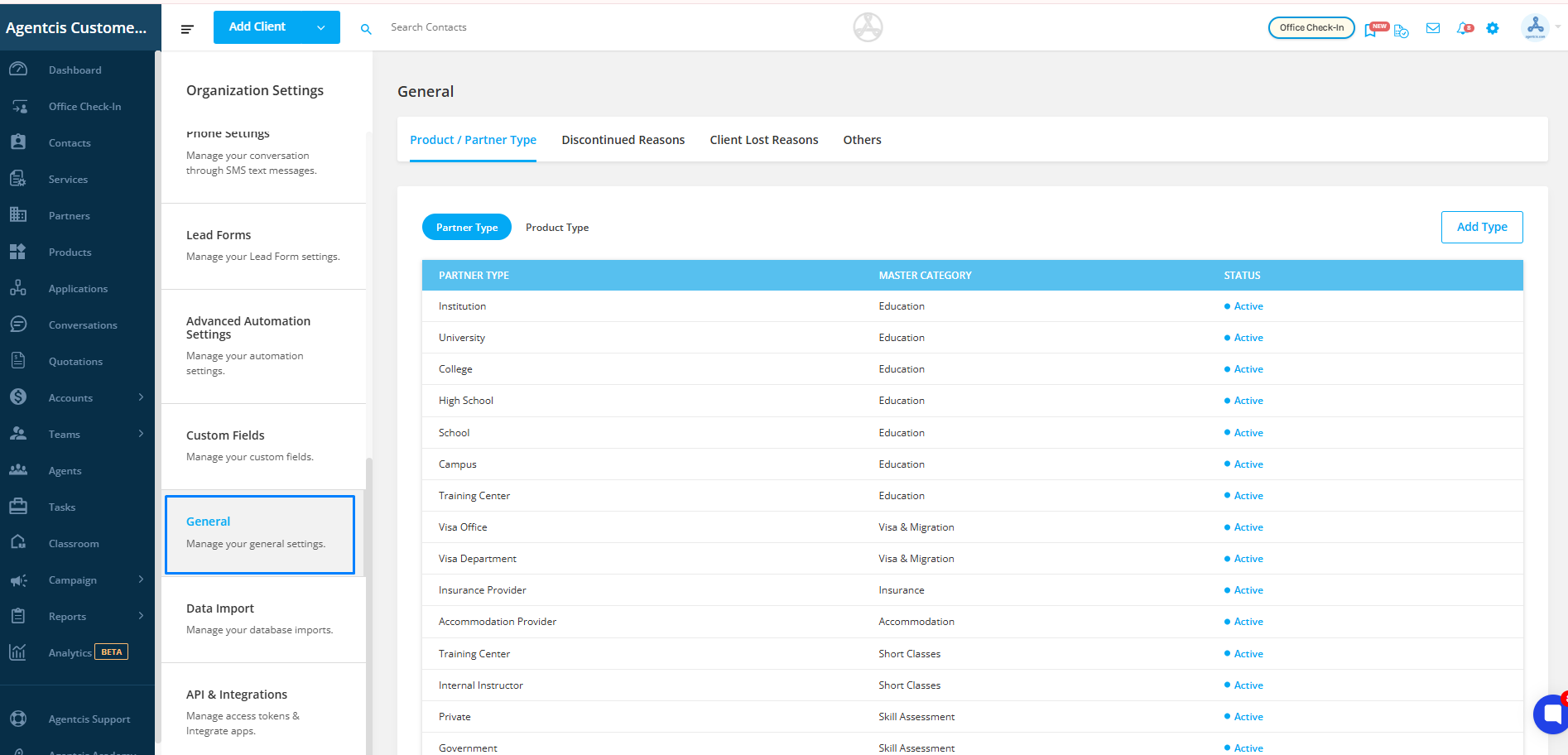
Step 2: Select General from the list.
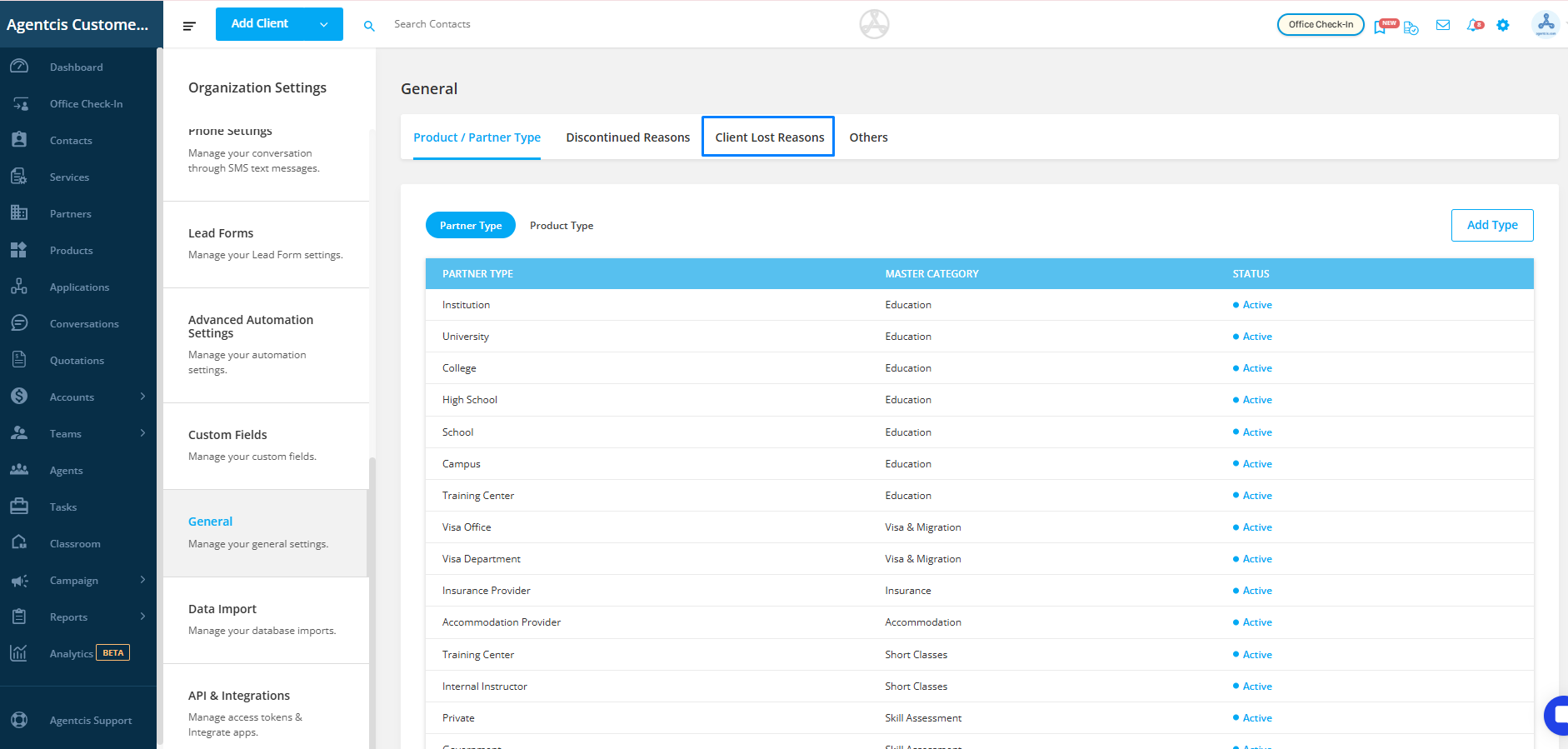
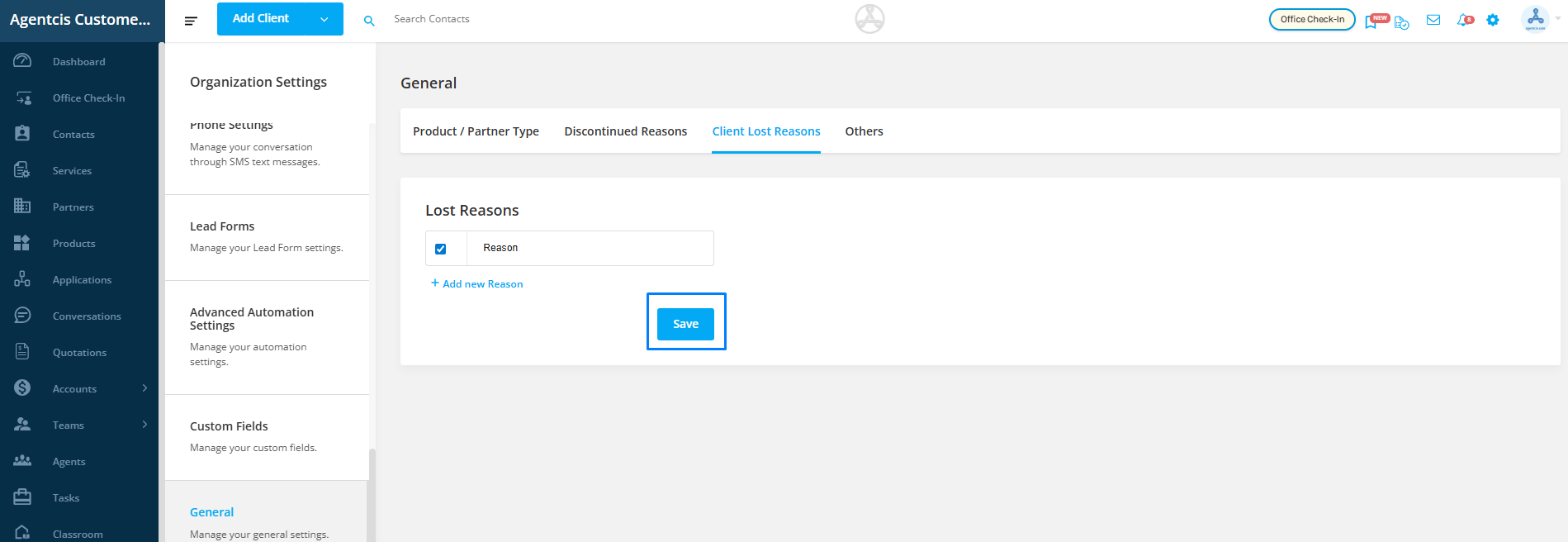
Step 3: Click on Client Lost Reasons.
Step 4: Click on Add New Reasons to add a new lost reason.
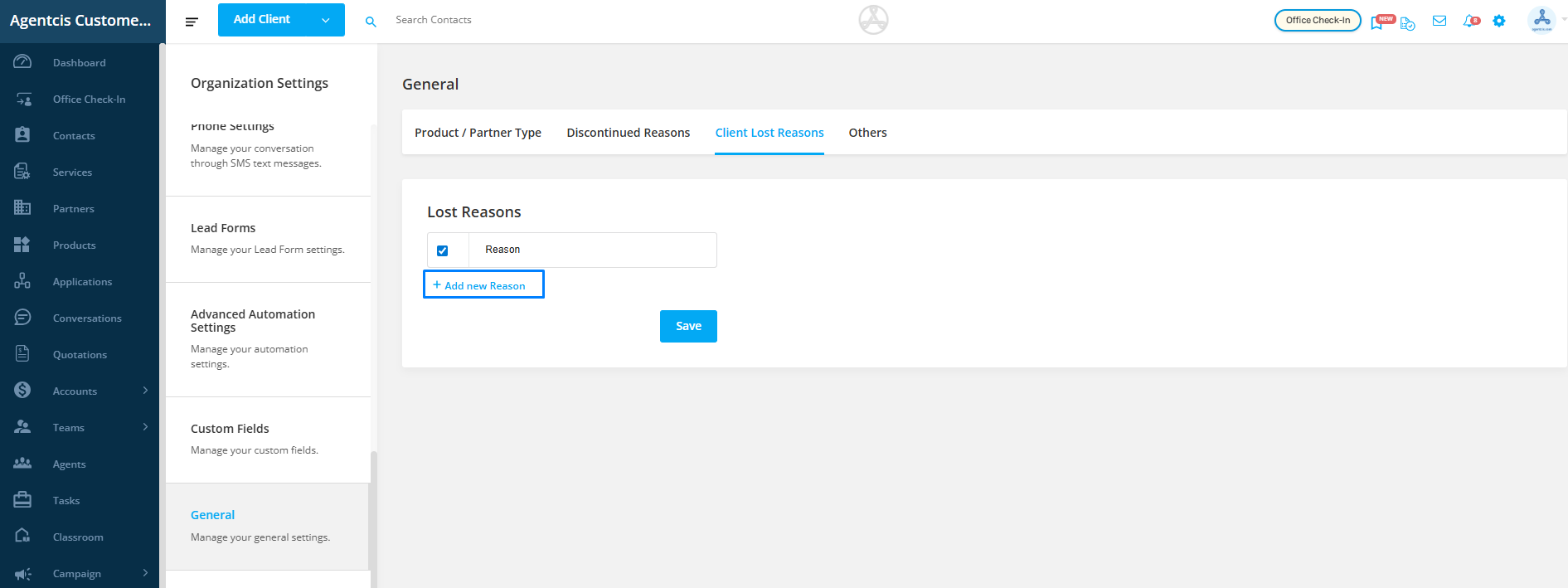
Step 5: Enter the required reason and click on Save.
The newly added reason will now be available in the lost reason dropdown while updating contacts as lost.